The OpusClip alternative built for streamers
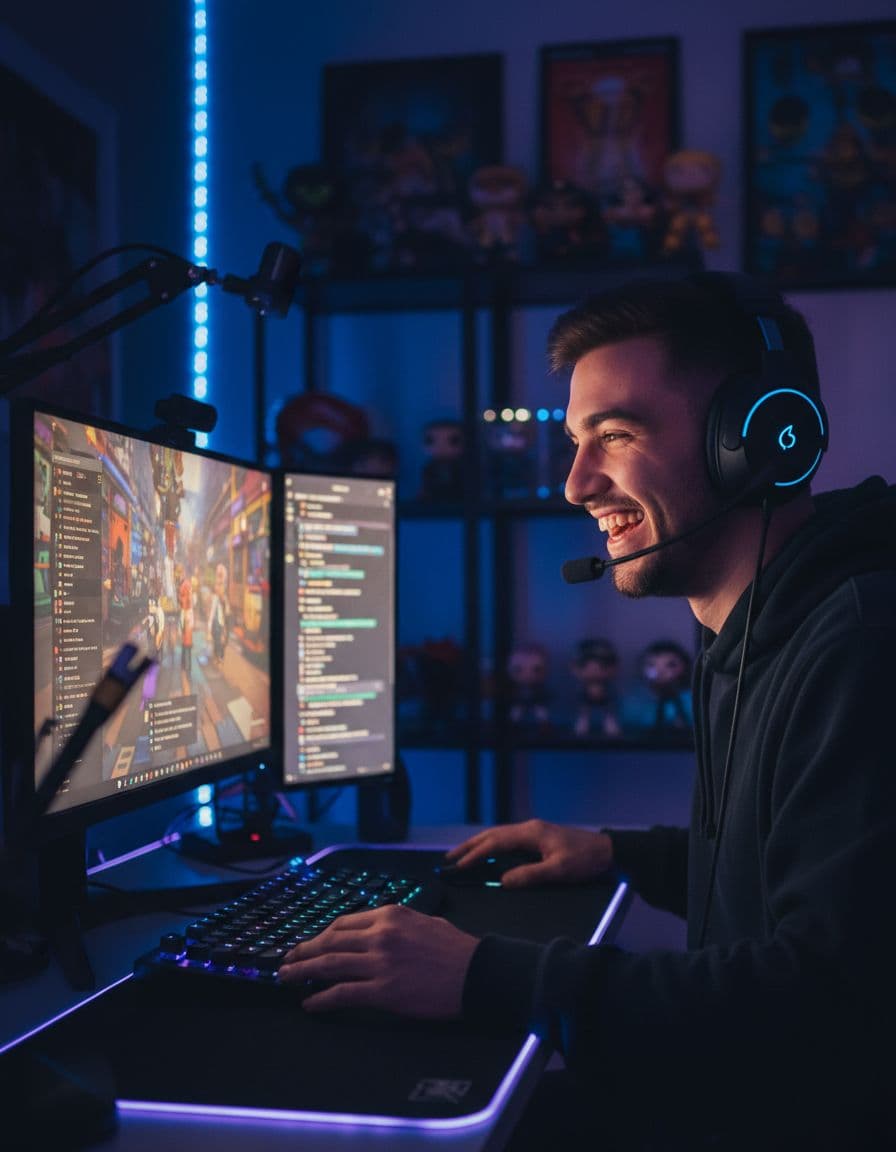
OpusClip is a well-known AI clipping tool with a broad list of import sources. Clipzula is narrower on purpose: it is built for streamers, with live clipping for Twitch and Kick, layouts for gaming, gambling and IRL streams, and no watermark on paid plans.
Clipzula vs OpusClip at a glance
Both tools turn long videos into short vertical clips with captions. OpusClip supports more import sources such as Zoom, StreamYard and Riverside. Clipzula focuses on streamers and their formats.
Built for live streams
Clipzula can clip a Twitch or Kick stream while it is live, and it takes Twitch and Kick VOD links as well. The AI picks moments from the transcript, loudness peaks and scene changes, and an AI judge watches each candidate before it becomes a clip.
Captions and layouts
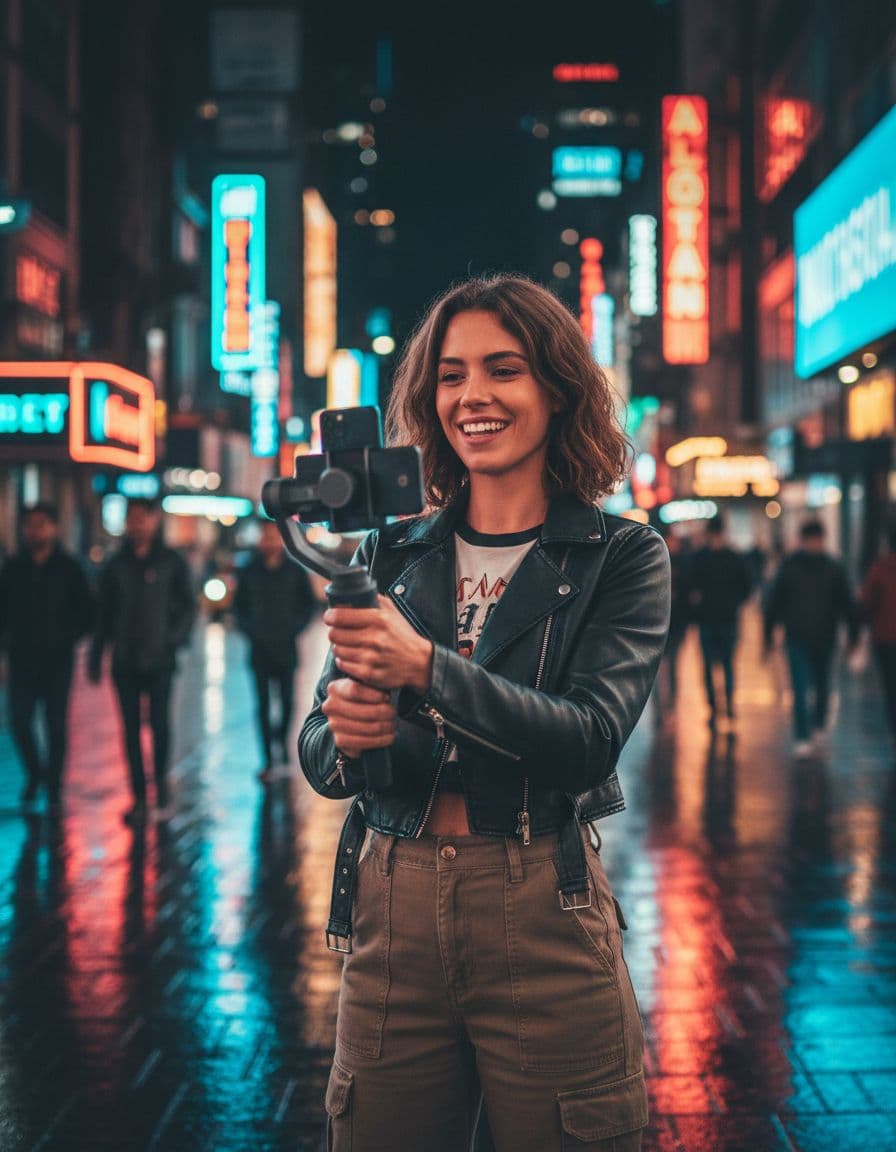
Every clip gets captions in the language of the video and a choice of caption templates. Clipzula detects gaming, gambling and IRL streams and picks a layout to match, including a facecam split with the webcam detected automatically.
Pricing compared
OpusClip lists a free tier and paid plans starting at $15 (Starter), as shown on its pricing page in October 2026. Clipzula has a free plan with 60 minutes of video every month, no credit card, and paid plans: Starter at $15, Standard at $29 and Advanced at $79 a month. There is no watermark on paid plans.
Clipzula vs OpusClip
| Feature | Clipzula | OpusClip |
|---|---|---|
| Live clipping from Twitch and Kick | Yes, Twitch and Kick, while you stream | Twitch is listed as an import source; Kick is not mentioned |
| Upload size and length | MP4, MOV, MKV or WebM up to 2 GB and 3 hours | Up to 10 GB per video (30 GB on Pro and Business); max length not stated |
| Watermark | None on paid plans; a small watermark on Free | Free-plan animated captions carry a watermark; watermark-free export on Starter and above |
| Captions | In the language of the video, with caption templates | AI captions with multi-language transcription on all tiers |
| Layouts | Auto, Post card, Split, Crop, Blur and facecam split | 9:16 on Free and Starter; 9:16, 1:1 and 16:9 with object tracking on Pro and Business |
| Pricing | Free plan (60 min a month); Starter $15, Standard $29, Advanced $79 a month | Free tier, Starter $15, Pro $29, Business custom (as listed on their pricing page, October 2026) |
OpusClip prices and features checked on their website in October 2026.
Frequently asked questions
Is Clipzula a good OpusClip alternative?
If you stream on Twitch or Kick, yes: Clipzula clips live streams, picks layouts for gaming, gambling and IRL content, and has no watermark on paid plans. OpusClip is a more general tool with a long list of import sources, so it can suit other workflows better.
Can I clip Twitch and Kick VODs?
Yes. Paste a Twitch or Kick VOD link, or upload the recording, and Clipzula finds the best moments. You can also clip while you are live.
How does pricing compare?
OpusClip lists a free tier, Starter at $15 and Pro at $29 on its pricing page (checked October 2026). Clipzula has a free plan with 60 minutes of video every month, no credit card, and paid plans: Starter at $15, Standard at $29 and Advanced at $79 a month.
Get your best clips without the editing.
60 free minutes every month · no credit card