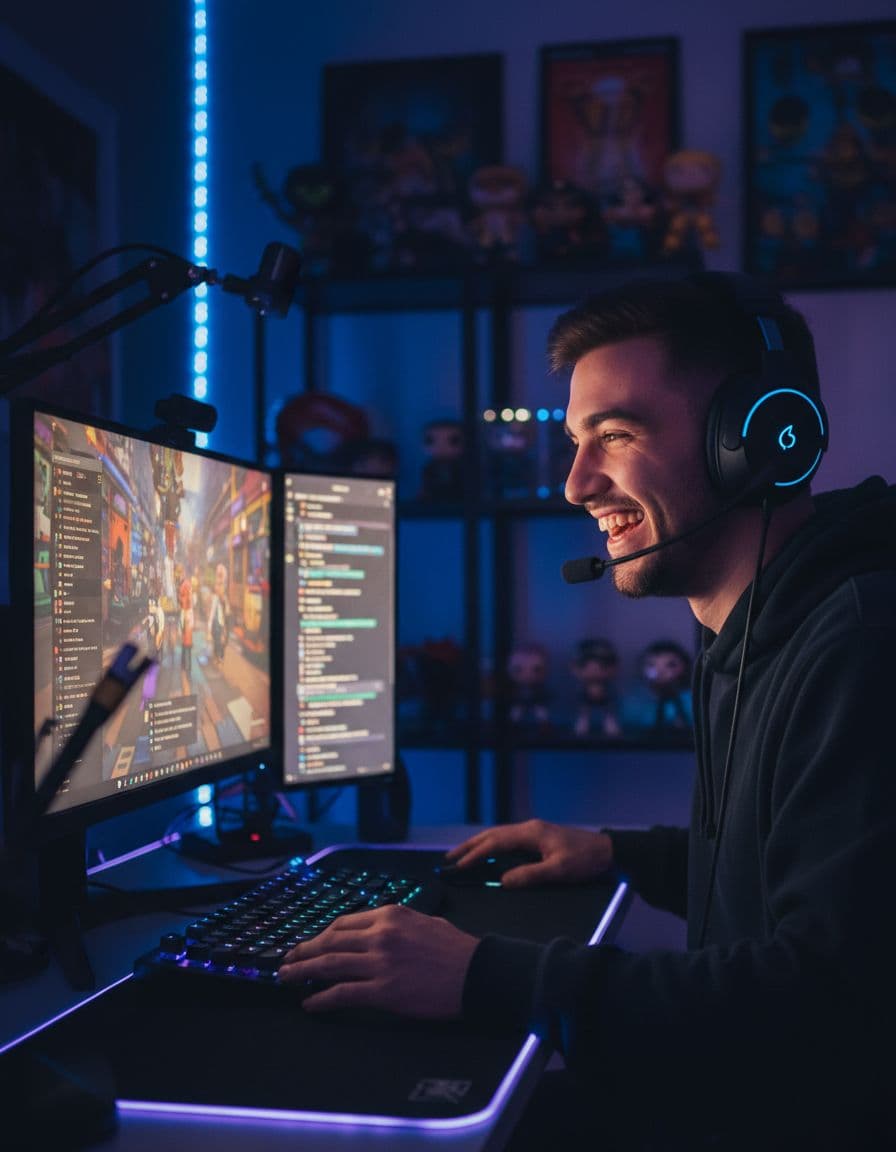
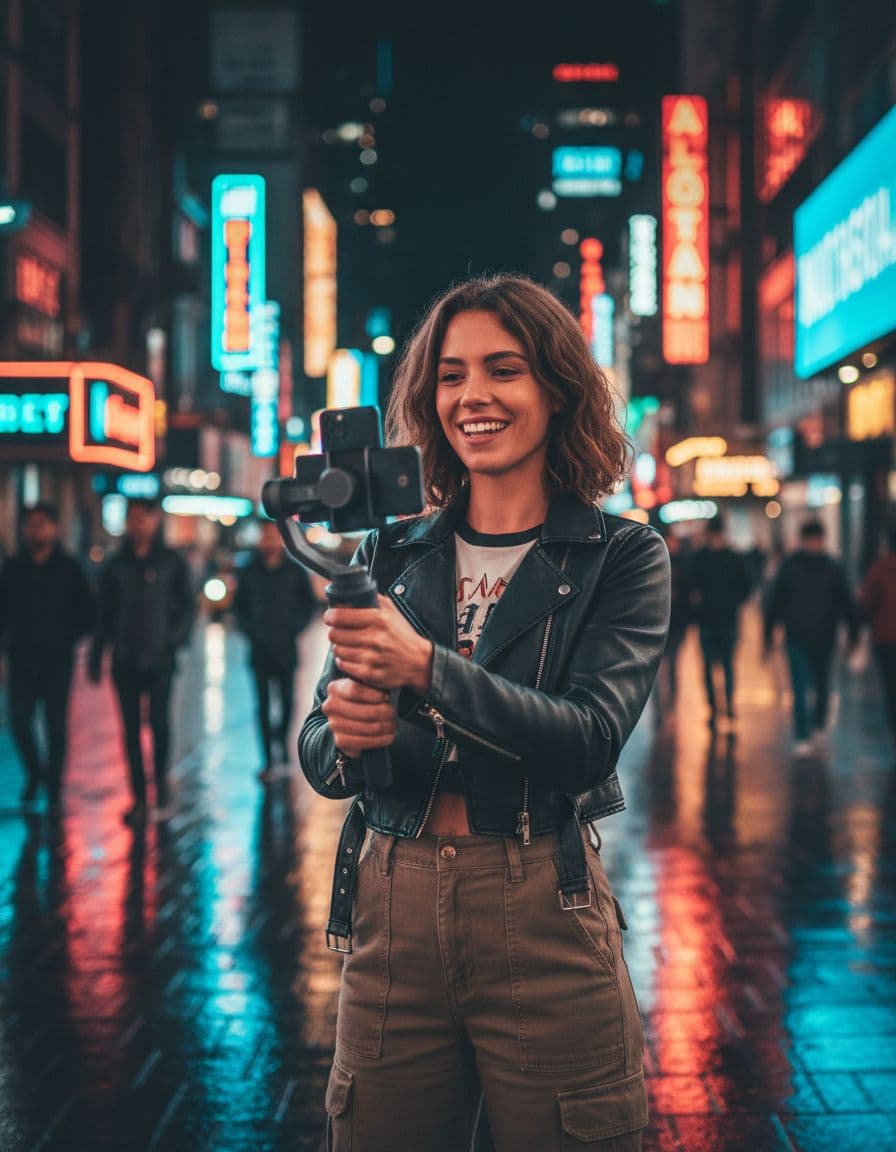
It watches, not just reads
Reactions, loud peaks and scene changes, not only the transcript. It skips the parts where nothing happens.
Clipzula watches every second of your stream or video, finds the moments worth posting and schedules them to TikTok, Reels and Shorts.
About 16 clips per hour of video · up to 30 per video · free plan, no credit card
Reactions, loud peaks and scene changes, not only the transcript. It skips the parts where nothing happens.
Hook, payoff, flow and value, with the reason in plain words. Post the strongest one first.
Facecam on top and gameplay below, a post card with your handle, or the full frame. Detected for you.
Scored hook ideas, quoted from what was said. Keep the best one or write your own.
Pick a style once and every clip follows it, in the language of the video.
Follow your Twitch or Kick channel and get clips while you are still streaming.
Follow your channel, paste a VOD link or upload a video.
Moments found, cut to 9:16, with captions, hooks and a score.
Post to TikTok, Reels and Shorts now, or plan them on your calendar.
Follow a Twitch or Kick channel and clips come in during the stream, not hours later.
Starter gives 5 hours of video for $15 a month. OpusClip gives 150 minutes for the same $15 (October 2026).
Buy one month with a single payment: Starter $12, Standard $24, Advanced $65. Nothing renews.
Liked your free clips? Buy hours from $5 (they never expire) or a month, and every clip you already made loses its watermark at once.
Paste a creator’s VOD and get a batch of vertical clips with captions and a score per clip, ready to post on your own accounts.
Clipzula is an AI clipping tool: give it one long video and it finds the best moments and turns them into short vertical clips for TikTok, Instagram Reels and YouTube Shorts. People have made over 8,000 clips from more than 340 hours of video so far (early November 2026).
Upload an episode or paste a YouTube link. Clipzula reads the transcript and picks the moments that work on their own, with captions in the language of the video.
Paste a link and turn one long video into Shorts, TikToks and Reels. There is nothing to download first.
Paste a Twitch or Kick VOD, or on a paid plan follow a channel and get clips while it is live.
Upload a recording of up to 3 hours and 2 GB and get its strongest moments as short clips.
Every clip is cut to 9:16 with captions, a title, hashtags and a virality score, so you can post the strongest ones first.
About 16 clips from an hour of video, up to 30 per video. You pay for hours of video, not per clip.
Clippers earn from campaigns such as Whop Content Rewards: lots of clips from someone else’s long stream, fast, at a low price per clip. Clipzula is a clipping tool for that work. It is not connected to Whop: you make the clips here and post and submit them yourself.
About 16 clips from an hour of video, up to 30 per video, with no daily clip limit. You pay for hours of video, not per clip.
Paste a YouTube, Twitch or Kick link. Paid plans take links up to 12 hours, so a full stream fits in one go.
Some campaigns do not accept watermarked clips. Buy hours from $5 or a month from $12, and every clip you already made loses its watermark too.
Each clip gets a virality score, captions, a title and hashtags, so you post the strongest ones first.
Let Clipzula decide, or choose under 30 seconds, 30-60 seconds or 60-90 seconds when a campaign asks for a length.
Only clip videos you have permission to use. Rules on length, captions and posting differ per campaign, so check them before you post.
| Video length | Clips | First clip | All clips |
|---|---|---|---|
| Under 20 minutes | 5 | 12 minutes | 14 minutes |
| 20 to 45 minutes | 13 | 27 minutes | 36 minutes |
| 45 to 75 minutes | 19 | 46 minutes | 60 minutes |
Typical results (medians) from videos on Clipzula in late October and early November 2026, including time in the queue. Your video can give more or fewer clips, and busy hours take longer.
| Plan | Good for | Video a month | Clips a month | Per clip |
|---|---|---|---|---|
| Free | Trying it on your own videos | 1 h | About 16 | $0 |
| Starter | A new clipper, or a few videos a month | 5 h | About 80 | About $0.19 |
| Standard | Posting a few clips a day | 10 h | About 160 | About $0.18 |
| Advanced | Clipping or posting every day | 30 h | About 480 | About $0.16 |
Worked out from the regular monthly price and about 16 clips per hour of video. Your real number depends on your videos.
Yes. Every account gets 60 minutes of video every month for free, no credit card needed. Free clips carry a small Clipzula watermark; paid plans have none.
About 16 from an hour of video, up to 30 per video, with no daily clip limit. You pay for hours of video, not per clip: one month of Starter ($12 for 5 hours) is roughly 80 clips.
Yes. Connect TikTok, Instagram and YouTube, then schedule clips or post them right away from Clipzula. You decide what goes out and when.
Yes. Follow your Twitch or Kick channel and Clipzula clips the stream while you are live. Live clipping is on every paid plan, from Starter.
It combines the transcript with loudness peaks and scene changes to find candidates. Then an AI judge watches each one and scores it for hook, payoff, flow and value. Only the strongest become clips.
Streams, gaming, podcasts, reactions, vlogs and talks. Upload MP4, MOV, MKV or WebM files, or paste a YouTube, Twitch or Kick link to a video you have the rights to.
Speech is transcribed in most major languages, and titles, hooks and captions are written in the language of the video.
Free is $0 with 60 minutes a month. Starter is $15, Standard $29 and Advanced $79 a month, with 30% off your first 3 months until Nov 8. No subscription wanted? One month is $12, $24 or $65, paid once. Prices in USD, including VAT.
Yes. Paste the creator’s VOD or YouTube link, and Clipzula picks the strongest moments, cuts them to 9:16 with captions and scores each clip, so you post the best ones first. Use videos you have permission to clip.
Clipzula clips Twitch and Kick streams while they are live, has layouts for gaming with a facecam and for gambling streams, gives more hours per dollar (5 h for $15 vs 150 min for $15) and sells one month without a subscription.
No. One month of any plan is a single payment (from $12) and nothing renews. Monthly plans renew by themselves and cost less per month.
Buy anything (hours from $5, a month or a plan) and every clip you already made loses its watermark at once. New clips have no watermark while you have bought hours or a paid plan.
Uploads up to 3 hours and 2 GB, links up to 12 hours on paid plans. On Free, Clipzula clips the first 60 minutes of a longer link.
A 20-minute video usually has all its clips in about 15 minutes, and an hour of video in about an hour. It takes longer when it is busy. With live clipping, clips arrive during the stream.
By card, Apple Pay, Google Pay or a local method such as Cash App, UPI or Pix, through Stripe. Prices are in USD and include VAT. Extra hours on paid plans: 5 hours from $12.
Clipzula is an AI clipping tool. It turns long videos, podcasts and live streams into short vertical clips for TikTok, Instagram Reels and YouTube Shorts, with captions, titles and hashtags.
Yes. Upload the episode or paste a YouTube link and you get short clips with captions. A layout with two speakers on screen at once is not available yet.
You can use it for those campaigns, but it is not connected to Whop. Make your clips in Clipzula, post them on your own accounts and submit them on Whop yourself. Check each campaign’s rules first.
Only with permission, for example when a creator runs a clipping campaign. When you add a video you confirm you have the rights to use it.
Auto picks a length that fits the moment. You can also choose under 30 seconds, 30-60 seconds or 60-90 seconds.
Since launch, videos in 27 languages have gone through Clipzula, most often English, Spanish, Arabic, Portuguese and Hindi.
Yes. A monthly plan keeps running until the end of the period you paid for and then stops. A one-month payment never renews, so there is nothing to cancel.
60 free minutes every month