AI clips while you are still live
Connect your Twitch or Kick channel and Clipzula clips your stream as it runs. It records the stream in 10-minute blocks and clips each block as soon as it is done, so new clips show up during the stream, not hours after it. Live clipping is on every paid plan, from Starter.
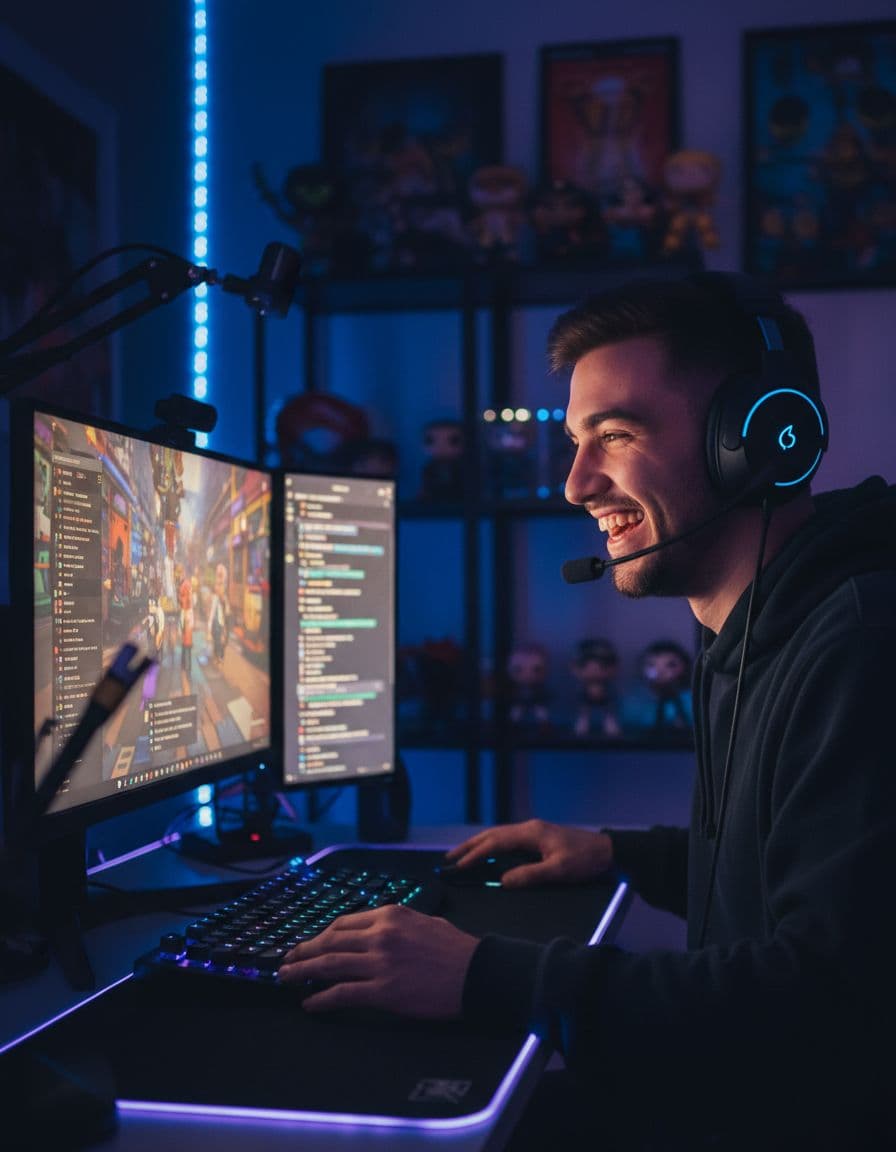
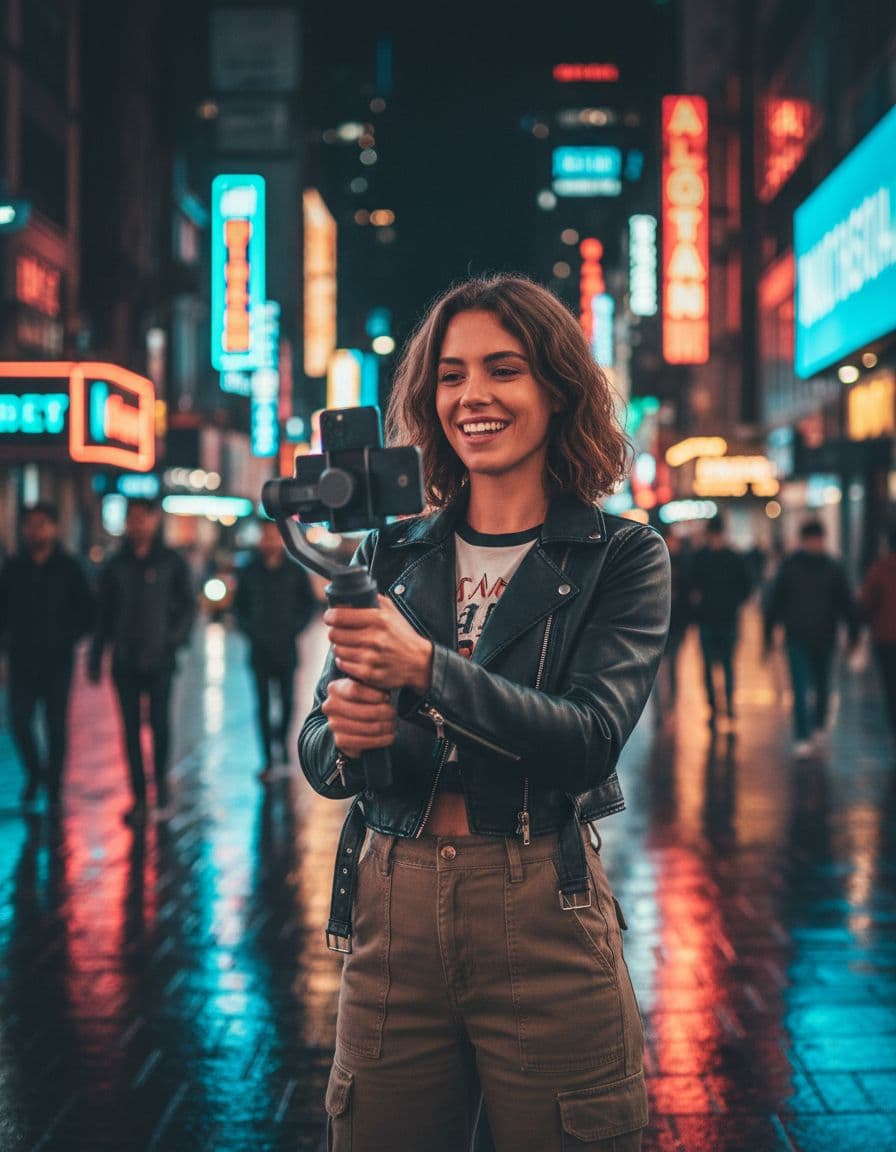
How live clipping works
Set it up once and it runs every time you go live.
- Connect your Twitch or Kick channel in Clipzula
- Go live as usual: with auto-record on, Clipzula notices and starts recording
- Every 10 minutes the AI picks the strongest moments from the last block and turns them into 9:16 clips with captions
- When you end the stream, the clips are already waiting; schedule them to TikTok, YouTube and Instagram or post them right away
Finds, edits and posts
Finding and editing are automatic: the AI reads the transcript, listens for loudness peaks and scene changes, and an AI judge watches every candidate. Each clip gets a facecam layout, captions in the language you stream in, a title, hashtags and a virality score. Posting takes one click: you pick the clips and schedule them, so nothing awkward goes out without you seeing it.
Live and VODs together
Missed a stream, or want to clip an older one? Paste the VOD link from Twitch, Kick or YouTube and the same AI runs on it. Live and VOD minutes come out of the same hours on your plan.
Plans
Live clipping is on every paid plan. Starter and Standard record 1 stream at a time from up to 3 channels; Advanced records 2 streams from up to 15 channels. One month of Starter is $12 paid once (5 hours of video), or $15 a month. Free is for VODs and uploads only.
Frequently asked questions
Can Clipzula clip my Twitch stream while I am live?
Yes. Connect your Twitch or Kick channel and Clipzula records the stream in 10-minute blocks and clips each block as soon as it is done, so clips appear during the stream.
Which plans include live clipping?
Every paid plan: Starter ($12 for one month or $15 a month), Standard and Advanced. The free plan clips VODs and uploads only.
Does it post my live clips automatically?
Clipzula finds and edits the clips automatically. You choose which ones go out and schedule them, or post right away, to TikTok, YouTube and Instagram.
Does live clipping work on Kick?
Yes. Live clipping works for both Twitch and Kick.
Does Clipzula add a watermark?
Not on paid plans. Free clips carry a small Clipzula watermark; Starter, Standard and Advanced clips have none.
Get your best clips without the editing.
60 free minutes every month · no credit card